> For the complete documentation index, see [llms.txt](https://doc.uppush.io/uppush/llms.txt). Markdown versions of documentation pages are available by appending `.md` to page URLs; this page is available as [Markdown](https://doc.uppush.io/uppush/web-push-campaign-and-segmentation/web-push-campaign-template-and-image-resource.md).
# Web Push Campaign template & image resource
## Campaign templates
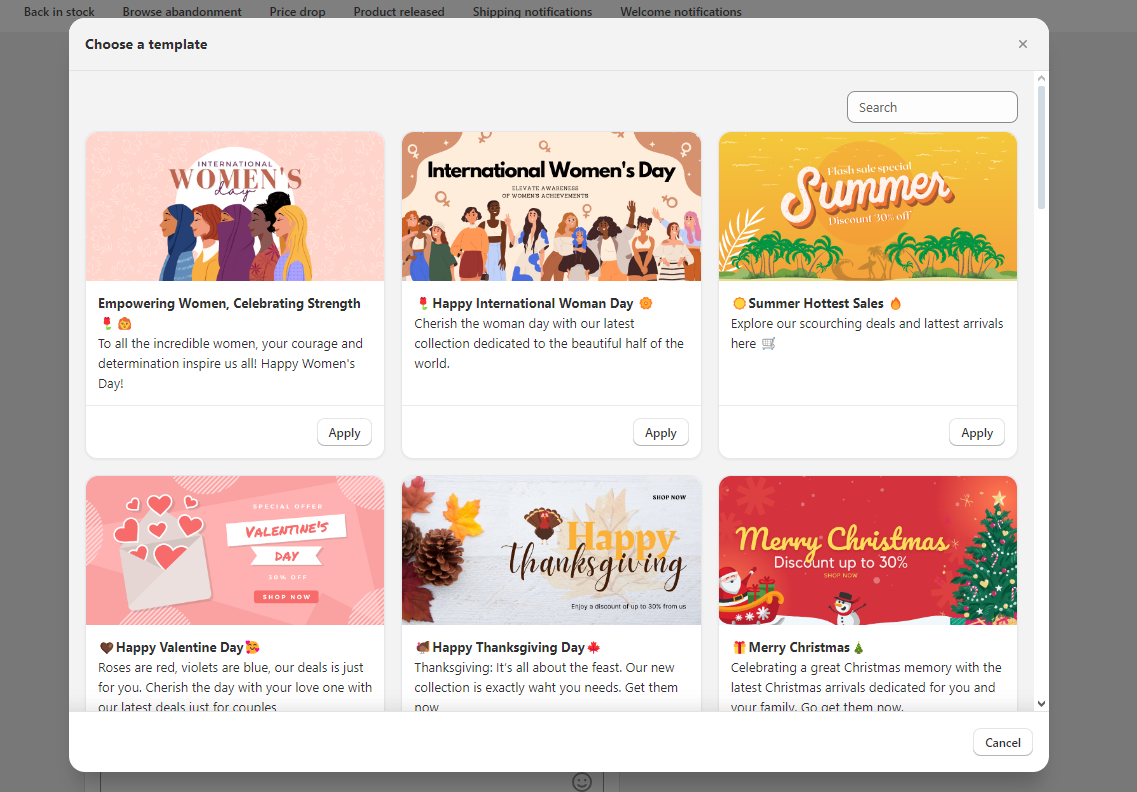
When creating a new campaign, we do offer a varies of templates for you to select. These are pre-designed for special events, and holidays throughout the year.
This can be accessed via this **Choose a template** button
Simply hit Apply to select the one you like.
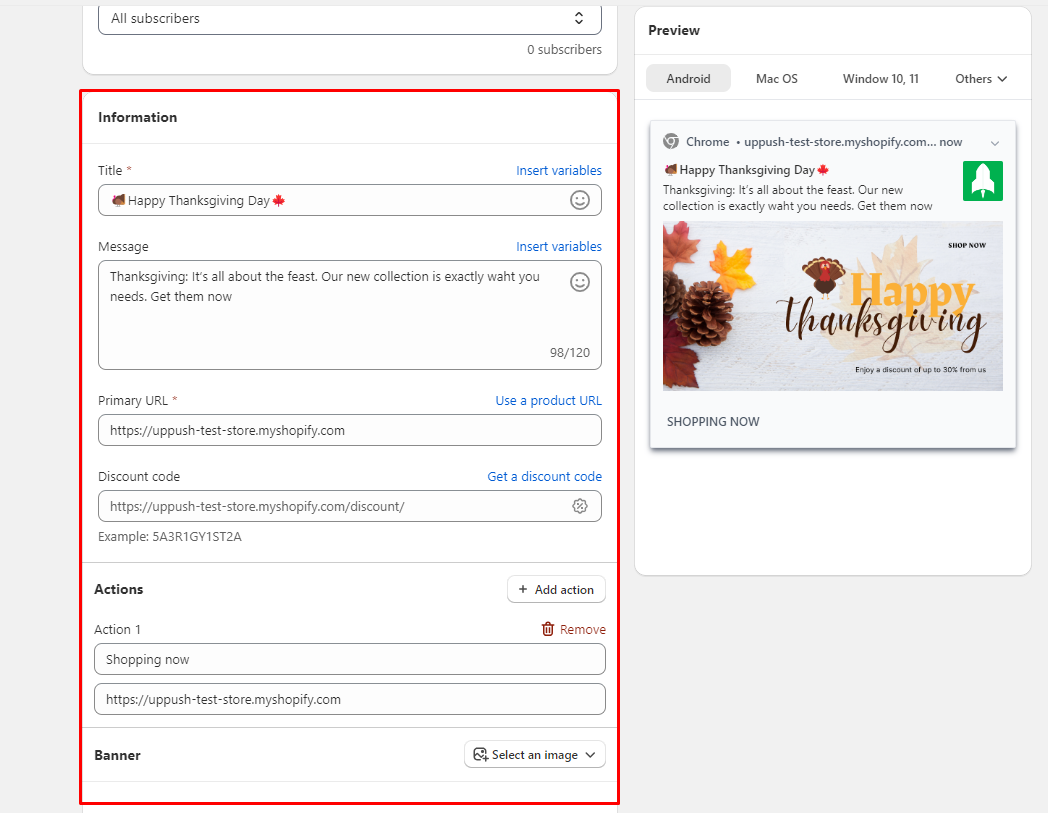
You can customize it further afterward to your liking:
* Update the text
* Update banner image
If you wish to have more templates, feel free to contact us.
## Image resources
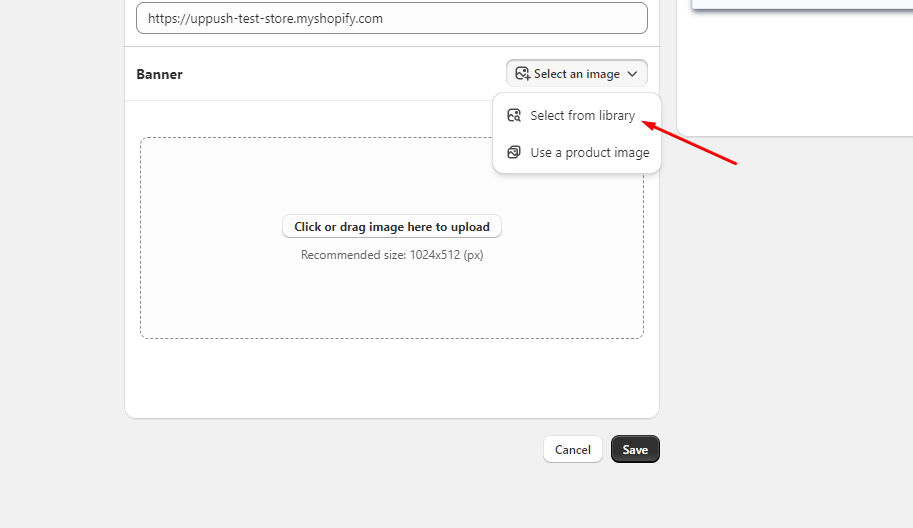
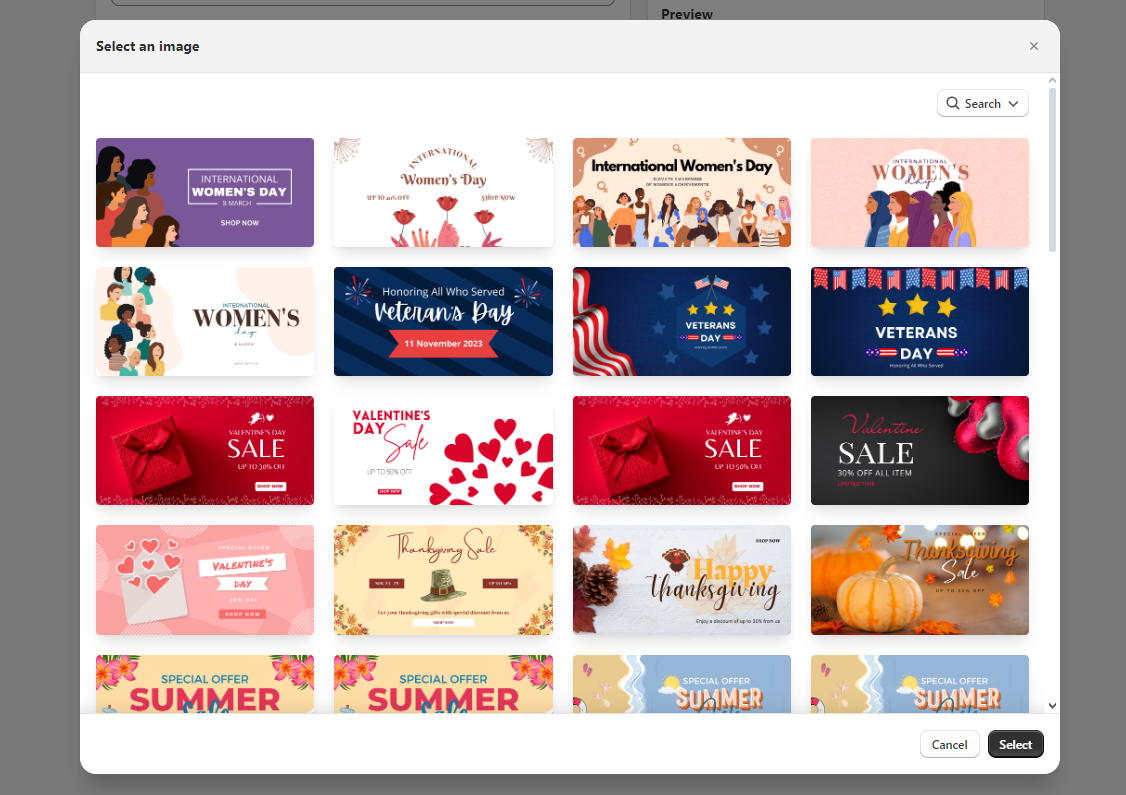
When creating a new campaign, under the banner section, we do have a small library of images in case you have not.
Feel free to pick the one that catches your eyes, and use them on your campaign.