> For the complete documentation index, see [llms.txt](https://doc.uppush.io/uppush/llms.txt). Markdown versions of documentation pages are available by appending `.md` to page URLs; this page is available as [Markdown](https://doc.uppush.io/uppush/popup-and-automation/popups-customization-guide-for-subscribers-collection.md).
# Popups Customization Guide For Subscribers Collection
Unlock the full potential of your popups with advanced customization techniques. In this guide, you'll learn how to tailor your popups to perfectly match your brand, enhance user engagement, and increase conversions. From personalized targeting to dynamic content and design tweaks, this guide will provide the tools you need to create highly effective, professional popups that captivate your audience.
### Opt-in/ Popups options
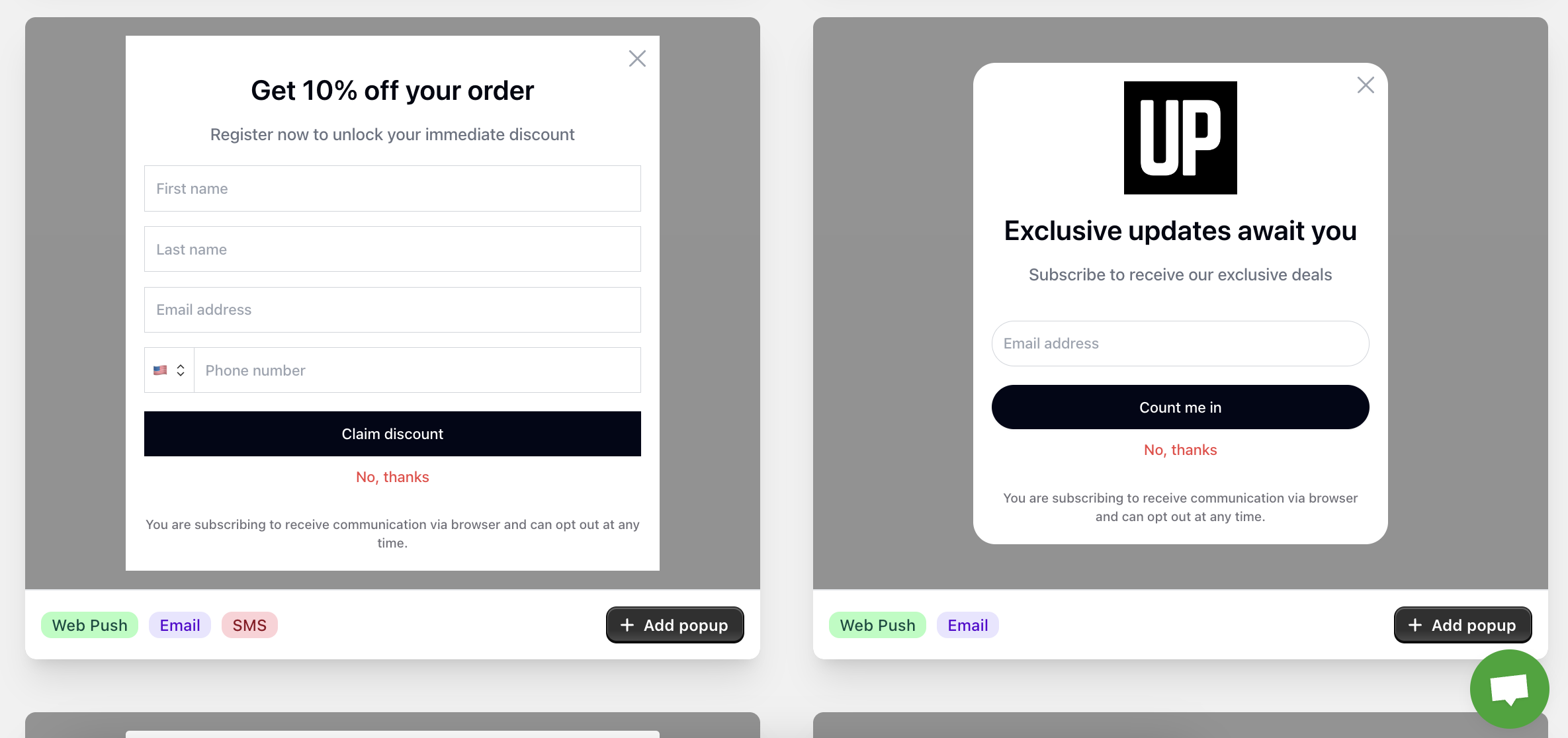
Popups and opt-ins are categorized into three types, each attached with a specific tag:
1. **Email**: Popups designed to collect customer information for email campaigns.
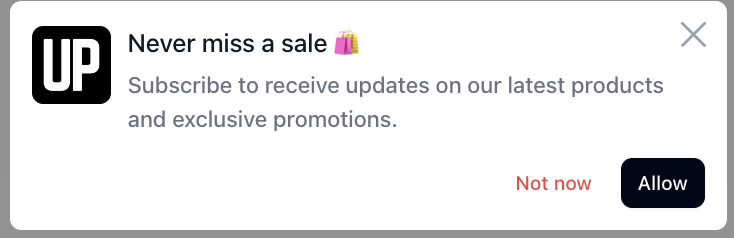
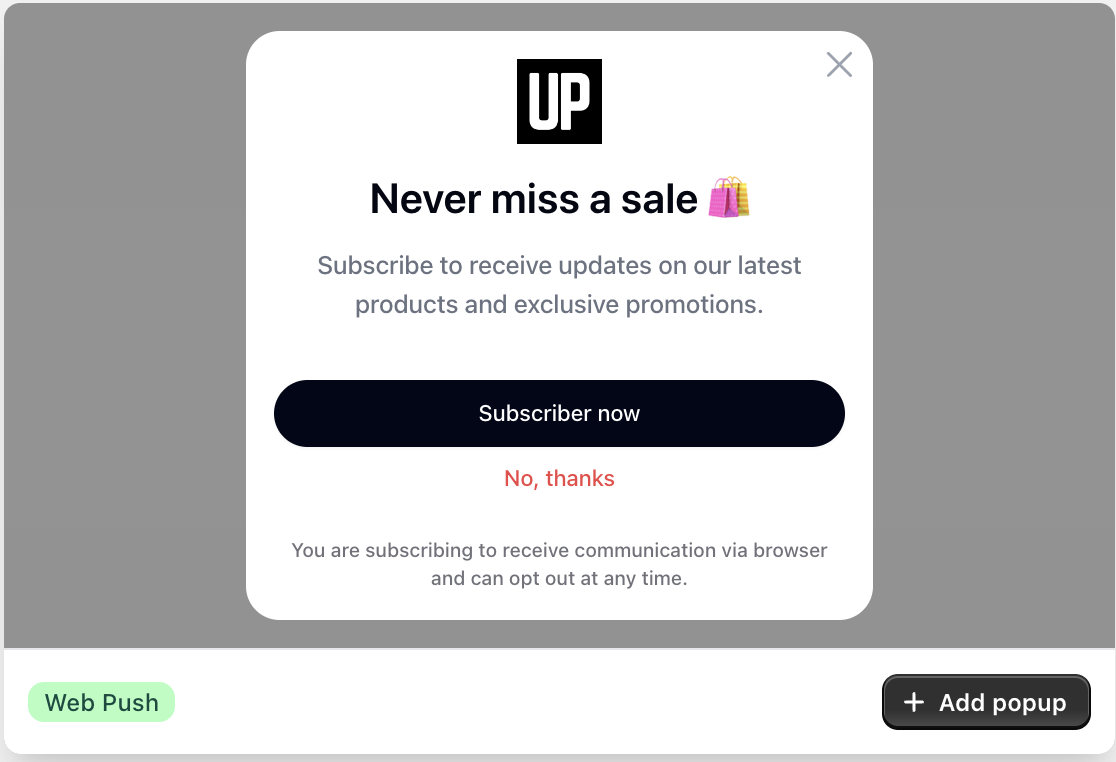
2. **Web Push**: Popups using browser-based prompts for web push notifications.
3. **SMS**: Popups specifically crafted to gather information for SMS marketing.
This offers you the option to select different type of popup to match your need:
* Popup asking for customer information